TENANTS
Find Your
Next Home
Thoughtful rental living in Greater Richmond. Tell us what you’re looking for, and let’s talk about your next move.
Ask About Rental Availability
LOOKING FOR A RENTAL?
A Clear Path to Your Next Home

01
Explore Your Options
Tell us your preferred location, budget, and move-in timing.
Ask About Availability
02
Connect With Our Team
Talk through your questions and the next steps with our local team.
Call Our Team
03
Apply Through DoorLoop
When a suitable rental is available, we’ll guide you to its secure DoorLoop application.
Ask About ApplyingFOR CURRENT TENANTS
At Home With OliveKey
Your rental essentials, together in DoorLoop.
For current tenants with an active lease and an activated account. All three services below open the DoorLoop sign-in page. Need help signing in?
Sign in on your phone or computer
- Make sure our team has enabled your tenant portal for your active lease.
- Select Tenant Portal Login, or scan the QR code with your phone’s camera.
- Use the email or phone number on your tenant record and follow DoorLoop’s verification steps.
The QR code opens your portal in a browser. No app download is required, and scanning does not create access to a rental account. Need help getting started? Contact us.

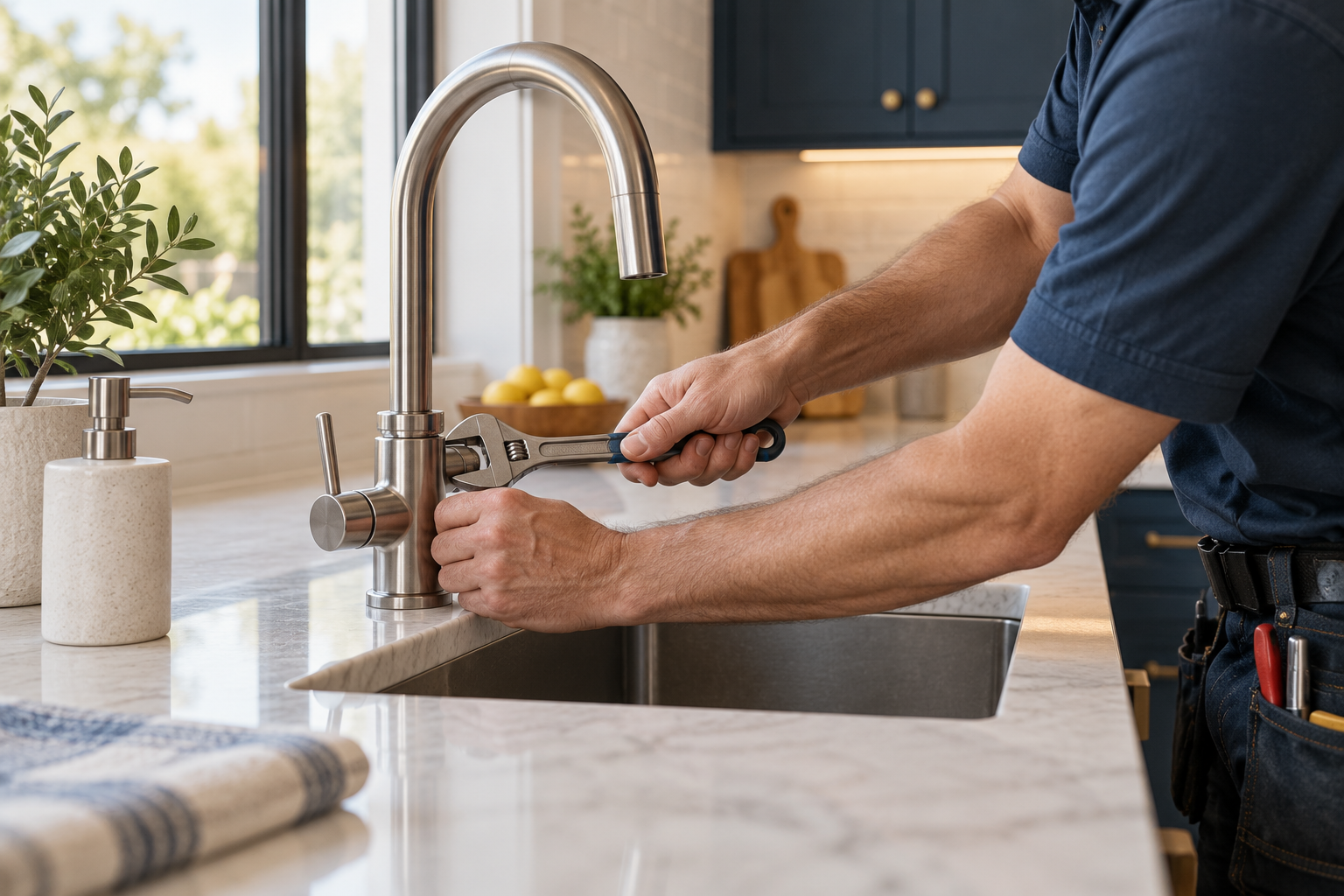
Request Maintenance
Send a repair request and follow updates through your portal.
Sign In to Request Repairs ↗